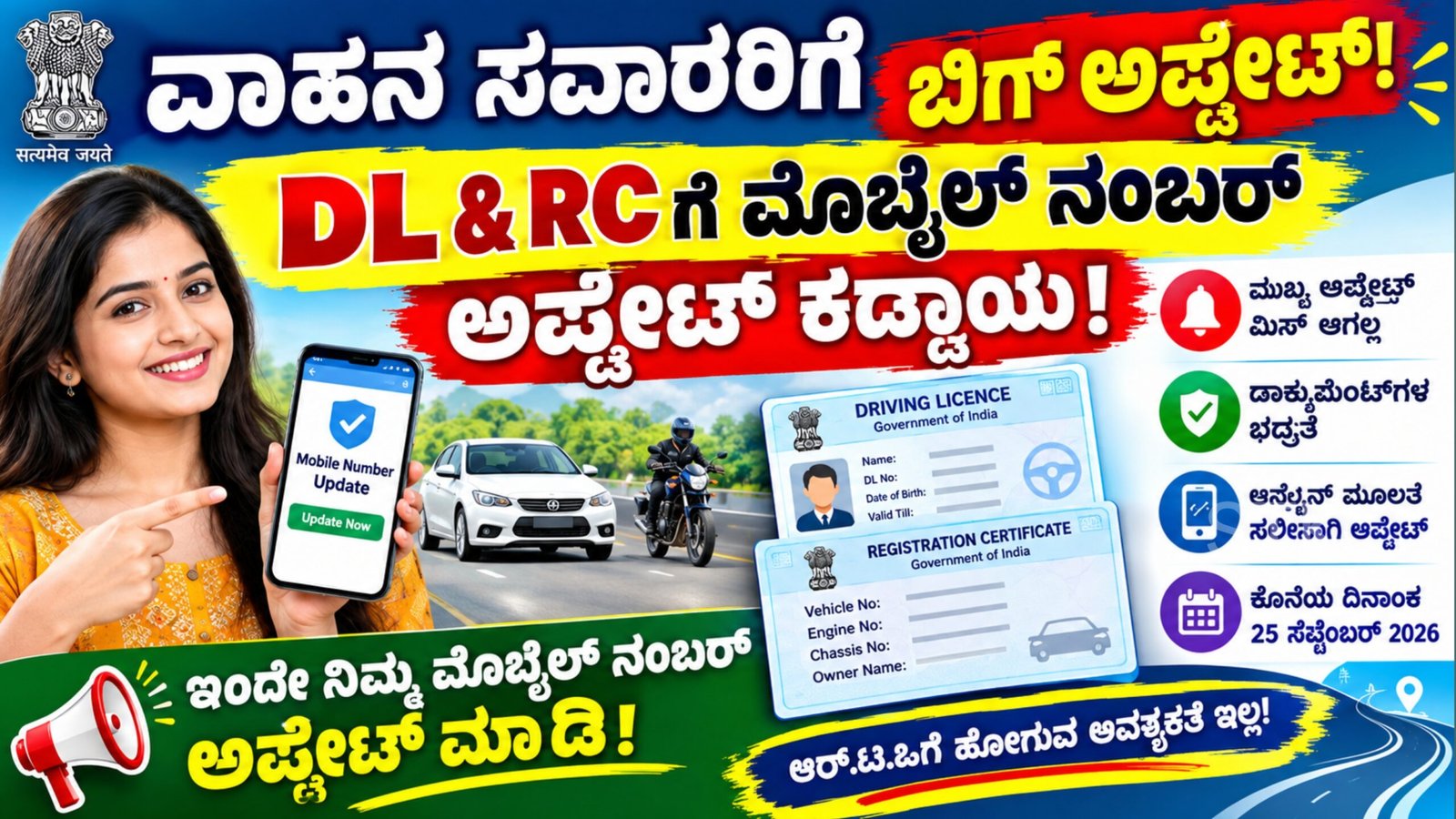
Driving Licence Mobile Number Update: If you are a vehicle owner or hold a valid Driving Licence, it is important to make sure that the mobile number recorded in your transport documents is your current and active number. An outdated phone number can make it difficult to receive certain transport-related alerts, reminders and online service notifications.
The good news is that eligible users can complete the mobile number update process online through the Sarathi Parivahan Portal. This means that, depending on the service available for your state and record, you may not have to visit an RTO office just to change your contact number.
According to the information in this update, the reported deadline for completing the mobile number update is September 25, 2026. Vehicle owners should, however, verify the latest instructions and applicable deadline on the official Parivahan portal before taking action.
Why Should You Update Your Mobile Number?
A mobile number linked to your Driving Licence or vehicle Registration Certificate can be useful for receiving communications related to transport services.
For instance, reminders, service-related updates and certain vehicle or licence-related notifications may be sent to the registered contact number. If the number belongs to an old SIM card or is no longer active, you could potentially miss such communications.
Keeping your contact information current can therefore help you stay updated about your Driving Licence and vehicle records.
It is also important in relation to electronic traffic enforcement. Where traffic violations are detected through automated systems, electronic challan-related communication may be associated with the contact information available in the vehicle records.
What Details Are Needed for the Update?
The information required can vary depending on the service and state. Generally, Driving Licence holders may need to provide:
- Driving Licence number
- Date of birth
- Licence-related information
- Current mobile number
- OTP for authentication
For a vehicle Registration Certificate, applicants may be asked for details such as:
- Vehicle registration number
- Engine number
- Chassis number
- New mobile number
- OTP verification
Users should enter these details carefully because incorrect information can prevent the request from being completed.
How to Update Mobile Number in Driving Licence?
The process can generally be completed online through the Sarathi Parivahan service.
Step 1: Open the Sarathi Parivahan Portal
Use a smartphone, laptop or desktop computer to access the official Sarathi Parivahan portal.
Step 2: Select Your State
After opening the service, choose the state where your Driving Licence was issued.
Step 3: Open the Driving Licence Services
Look for the relevant Driving Licence services section. Depending on the portal layout, the mobile number update option may be available through the Others menu or under Driving Licence → Services on Driving Licence.
Step 4: Select Mobile Number Update
Choose the Mobile Number Update option and proceed with the application.
Step 5: Enter Your Licence Information
Provide the requested information, which can include your Driving Licence number, date of birth and other licence details.
After entering the information, select Submit.
Step 6: Check Your Details
The system may display the details associated with your Driving Licence. Carefully check the information shown on the screen.
If everything is correct, proceed with the next step.
Step 7: Enter Your Current Mobile Number
Provide the mobile number that you currently use. Depending on the authentication method applicable to your service, additional verification may be required.
Step 8: Complete OTP Verification
If Aadhaar-based authentication is required, an OTP may be sent to the mobile number registered with Aadhaar. Enter the OTP at the appropriate stage and complete the authentication.
Finally, confirm the details and submit the request.
Once the request is successfully processed, the updated mobile number will be associated with the Driving Licence record, subject to the applicable portal procedure.
How to Update Mobile Number in Vehicle RC?
Vehicle owners can also check the applicable online facility for updating the mobile number associated with their Registration Certificate.
Instead of selecting the Driving Licence service, choose the relevant RC/Vehicle-related service available on the Parivahan platform.
You may be required to enter your vehicle registration number along with details such as the engine number and full chassis number.
After entering the requested information, follow the instructions shown on the screen and complete the required verification using the new mobile number.
The exact process and information required can differ depending on the state and the vehicle record.
What If Your Old Mobile Number Is Still Linked?
If your previous phone number is still registered with your Driving Licence or RC, you may not receive communications sent to the registered number.
This could include certain reminders, transport-service updates or electronic communication connected with your vehicle records.
For this reason, vehicle owners who have changed their mobile number should check their records and update the information wherever the online service is available.
Digital Driving Licence on Your Smartphone
Apart from updating contact details, Driving Licence holders can also access digital versions of their licence through government-supported platforms such as DigiLocker and mParivahan.
To use these services, download the official application from the appropriate app store and sign in or create an account using the required verification process.
After logging in, search for Driving Licence under the available document or transport services.
Select the relevant issuing authority, such as the Ministry of Road Transport and Highways (MoRTH), and choose your state.
Enter your Driving Licence number and date of birth when requested. If your licence information is available in the government database, select Get Document to retrieve the digital document.
The document can then be available in your issued documents section of the application, subject to successful verification and data availability.
Important Safety Precautions
When updating your Driving Licence or RC information online, use only the official government portal or official applications.
Do not share OTPs, passwords or other authentication details with unknown individuals. Be especially careful of websites or messages that claim to update your licence for a fee but are not associated with the government service.
Before submitting your request, double-check your Driving Licence number, date of birth, vehicle details and mobile number.
Important Note About the Deadline
The deadline mentioned in the information provided for this update is September 25, 2026. However, transport-related rules, online services and deadlines can vary or be modified by the authorities.
Therefore, users should verify the latest information directly through the official Parivahan/Sarathi service before relying on the stated deadline.
Conclusion
Keeping your mobile number updated in your Driving Licence and vehicle RC records can help you receive important transport-related communications and make online services easier to access.
The Sarathi Parivahan platform provides an online method for eligible Driving Licence holders to update their contact number using their licence details and the required authentication process. Vehicle owners can also check the available RC service for updating their mobile number.
In addition, DigiLocker and mParivahan can provide convenient access to digital Driving Licence information on a smartphone.
If your registered mobile number is old, inactive or no longer in use, check your records and use the official Parivahan service to update the information where applicable. Always verify the latest instructions, authentication requirements and deadline before submitting the request.